Meet customers in the Messages app
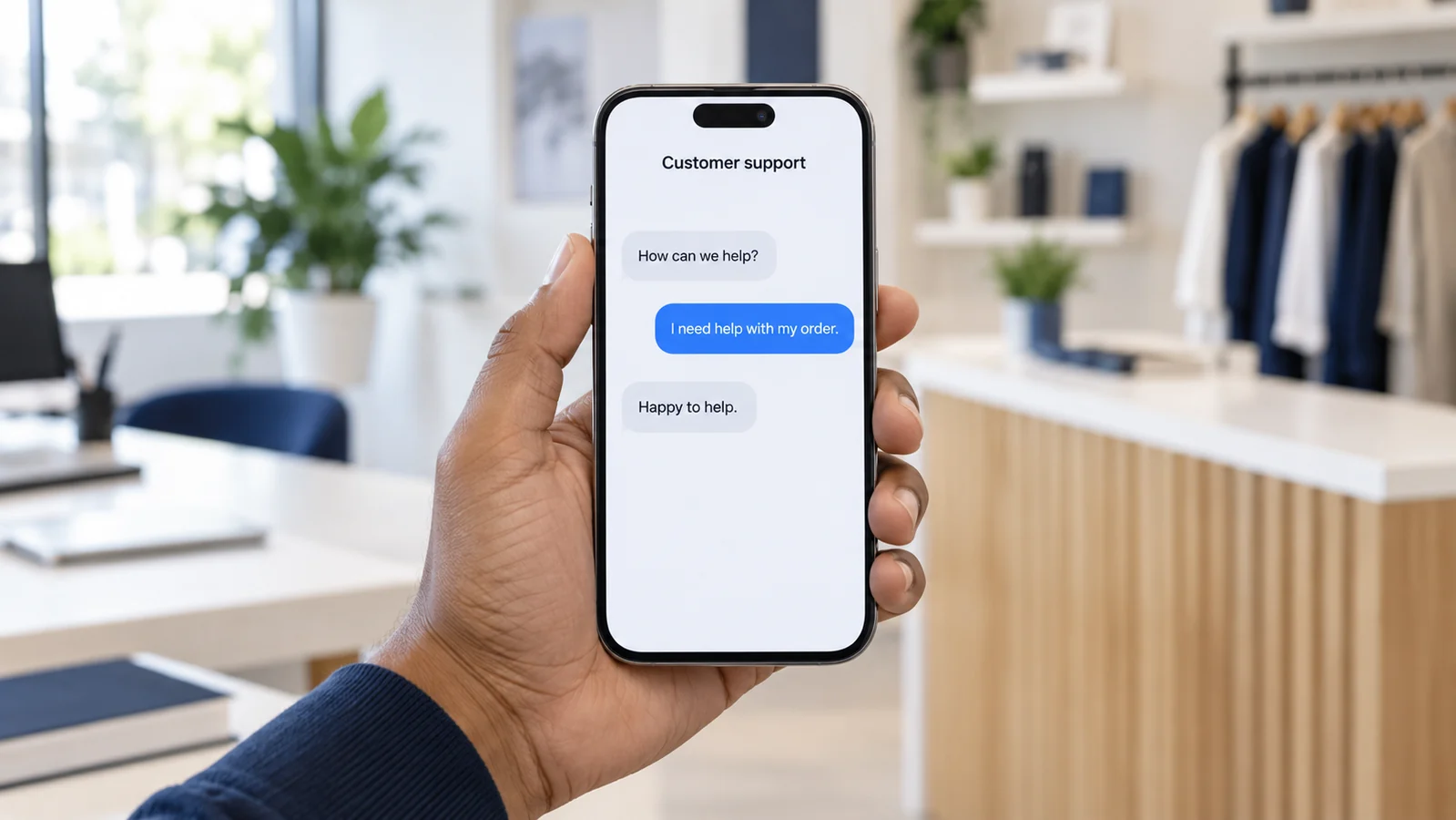
Apple Messages for Business lets customers contact a business through supported entry points such as its website, app, Apple Maps or Search. They can ask questions, get help and use supported booking or purchase experiences within the conversation. See Apple’s customer experience.
We help you connect this channel to the people and systems that resolve enquiries. Your business owns its account; Orange Fox coordinates the integration with your team and an Apple-approved messaging service provider (MSP).

What we connect and configure
| Technical area | How Orange Fox helps |
|---|---|
| Business account & channel | Guide Apple Business Register setup, link your Messages for Business ID to the approved MSP and verify the test connection. |
| APIs, webhooks & CRM | Connect provider APIs and message-event webhooks to your CRM, helpdesk or contact centre. Map conversations to tickets, route enquiries to the right team and handle integration errors. |
| Interactive conversations | Configure rich links, quick replies, list pickers, time pickers and attachments where supported. Connect product choices, booking availability or order lookups to your existing services. |
| Customer authentication | Implement supported OAuth 2.0 sign-in with your identity provider for account-specific requests. Configure authorisation and token endpoints, callback settings and access controls with the MSP. |
| Payments, when applicable | Scope optional Apple Pay messaging with your merchant setup and payment provider, subject to country, payment-network and platform availability. |
| Service operations | Set response hours, welcome and away messages, queue rules, automated-to-human handoffs and reporting. Agree staff permissions and conversation-retention settings. |
Capabilities depend on the selected MSP and approved implementation. View an MSP’s technical channel documentation.
How we get your business on board

Define the customer journeys
We identify your main contact reasons, markets, languages, support hours and existing systems, then agree the first journeys and integration scope.
Prepare the account and provider
We guide your authorised account owner through business registration, an internal test account, MSP selection and tester access. We help prepare the brand and contact information.
Connect your systems
We configure the provider connection, agent workspace and agreed API integrations, including customer authentication where required.
Build and test the experience
We set up conversation flows, interactive choices and agent handoffs, then test on Apple devices – including off-hours responses, failed lookups and escalation.
Coordinate Apple’s review
We work with your MSP to prepare the customer-journey recording and address review feedback. The MSP submits the Experience Review; after approval, we assist with commercial branding and account setup.
Launch and support your team
We help activate approved entry points, train agents and hand over operating guidance. After launch, we review response times, resolution quality and opportunities to improve the journeys.
Apple reviews the experience and commercial account before launch. Timing depends on review feedback, provider readiness and integration scope. Apple onboarding overview · Experience Review.
Connect customer records with care
Apple supplies an opaque identifier unique to the relationship between a customer and your business; their phone number or email address is not automatically shared with you. We design CRM matching around information the customer chooses to provide or an approved authentication flow, and agree data access and retention with your team. Apple’s privacy and security model.